 العربية
 ENG
ENG


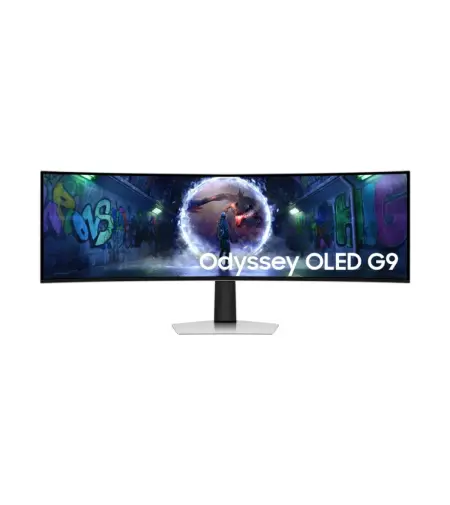
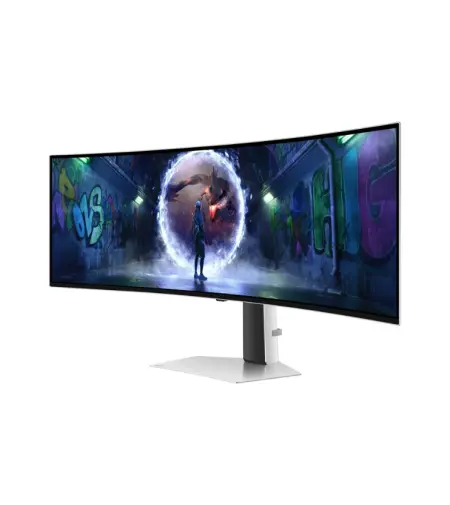
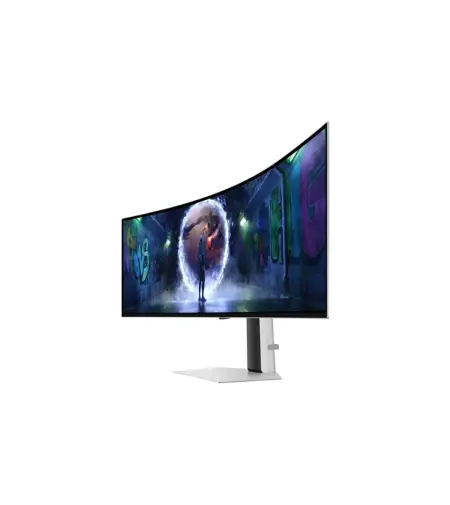
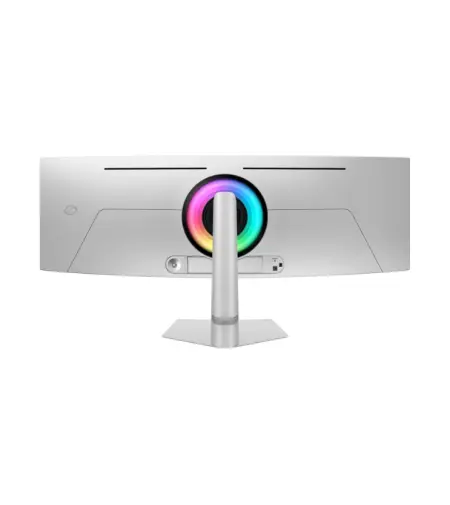
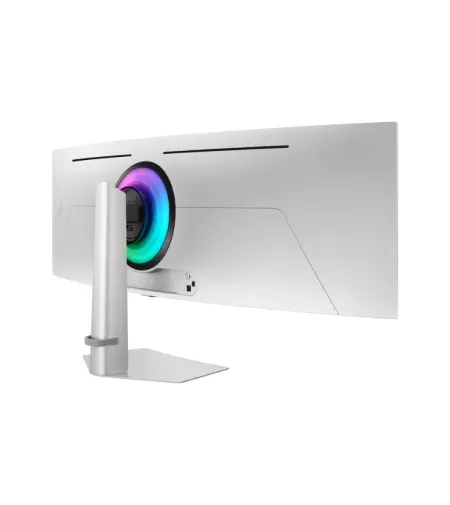
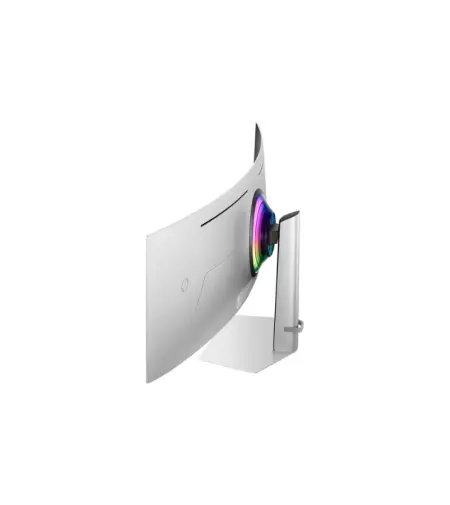
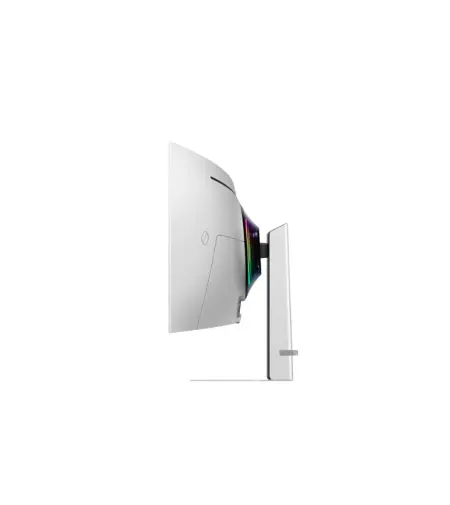
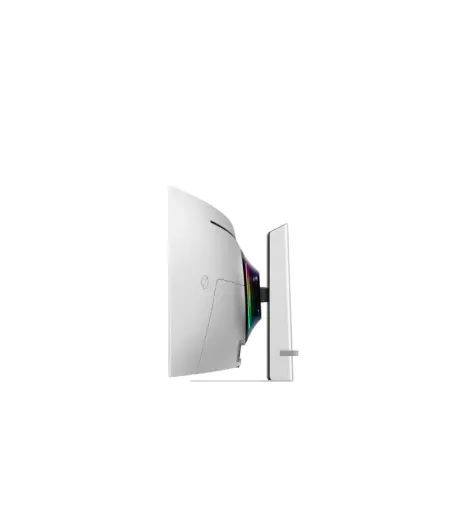
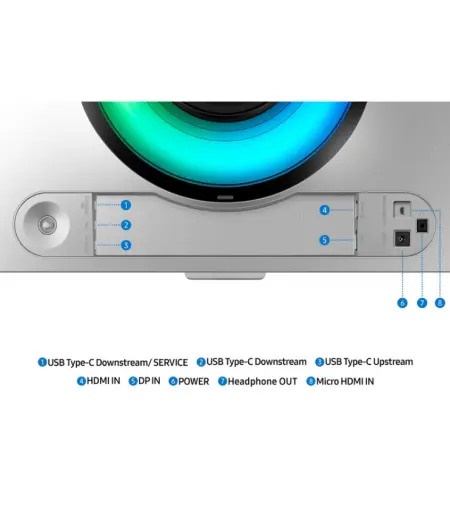
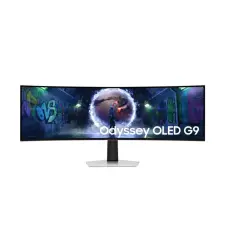
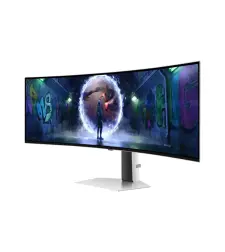
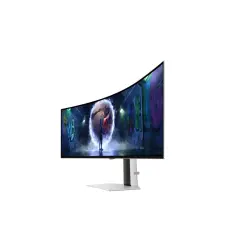
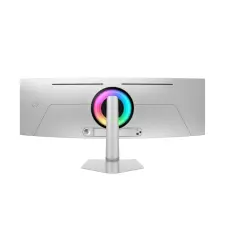
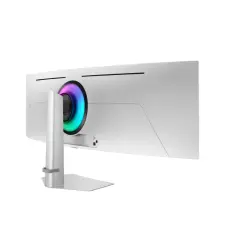
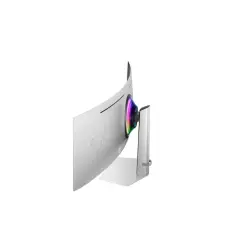
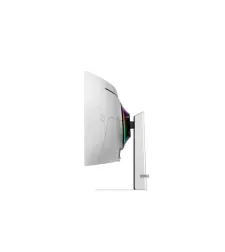
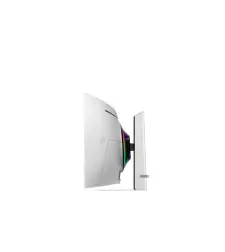
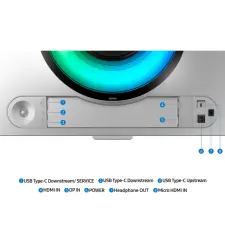
Key Specifications:
Resolution: DQHD (5,120 x 1,440)
Aspect Ratio: 32:9
Screen Curvature: 1800R
Brightness (Typical, cd/m2): 250cd/㎡
Contrast Ratio Static: 1,000,000:1
Response Time: 0.03ms(GTG)
Refresh Rate: Max 240Hz
Viewing Angle (H/V): 178˚/178˚
Epic Screen. Epic Play


OLED in Dual QHD
Detailed OLED worlds live on a wider, vibrant screen
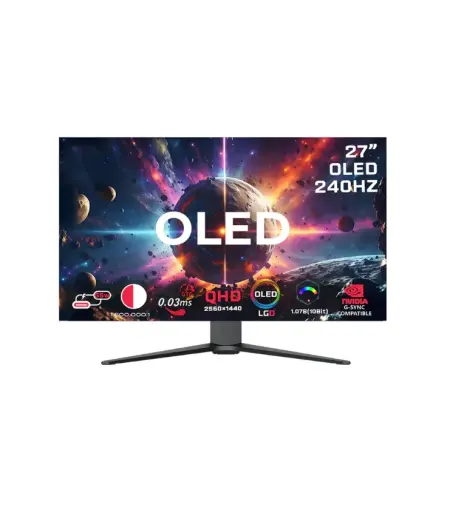
With OLED technology, enjoy a wider color spectrum and vibrant images that captivate you and take gaming to new heights. Content springs to life on a Dual QHD (5120 x 1440) resolution screen for unparalleled clarity and precision.

Focus without distraction
OLED Glare Free
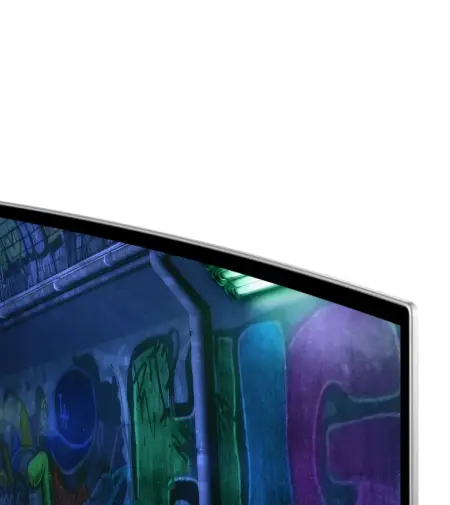
Glare Free technology significantly reduces glare from external light sources, so the OLED screen's perfect black and color experience are presented without distractions. With a screen 54% less glossy than Samsung's conventional Anti-Reflection film, you can see your full game environments and get the drop on enemies.


240Hz Refresh Rate & 0.03ms Response Time(GtG)
Outmaneuver opponents with supreme speed
Dodge, counter and engage faster than the rest. OLED technology delivers near instant reaction time with 0.03ms response time(GtG). HDMI 2.1 and DisplayPort connections keep you ahead of the competition with the 240Hz refresh rate. Milliseconds matter when you face the best.

G-Sync Compatible
Immerse in smooth action without disruption
G-Sync compatibility keeps the GPU and panel synced up to eliminate choppiness, screen-lag, and image tears. Fast-action and complex game scenes are stable and stutter-free with AMD FreeSync Premium Pro for your competitive edge.

32:9 ratio & 110 PPI
Win with a wider view and more pixels per inch
Don't sacrifice detail, even with a larger screen. With a wide 32:9 screen in Dual QHD resolution and 110 pixels per inch, you get the level of clarity you need to pick up on the small, but significant, details across the 49" screen.

Picture-in-Picture
Seamless Multitasking with a sub-screen
The Picture-in-Picture feature eliminates the need for a second monitor by giving you a sub-screen that's perfect
for multitasking. Pull up chat windows, gaming tips, or any other content without taking your eyes off your main
screen.

Picture-by-Picture
Together side-by-side in one screen
Use your screen to its maximum potential, and team up with friends in a whole new way. Picture-by-Picture splits
the screen in half, using two inputs at their native resolution.

For more specifications and details, please visit: Samsung Odyssey G9 G32 Official Page